This article covers how to edit the team settings to make a team Designers or Collaborators
Any team with the "Designers" label is a Designer team. Any team without the label is a "Collaborator group".

Here are two teams. Design Engineers is a Designer group and Technicians is a Collaborator group
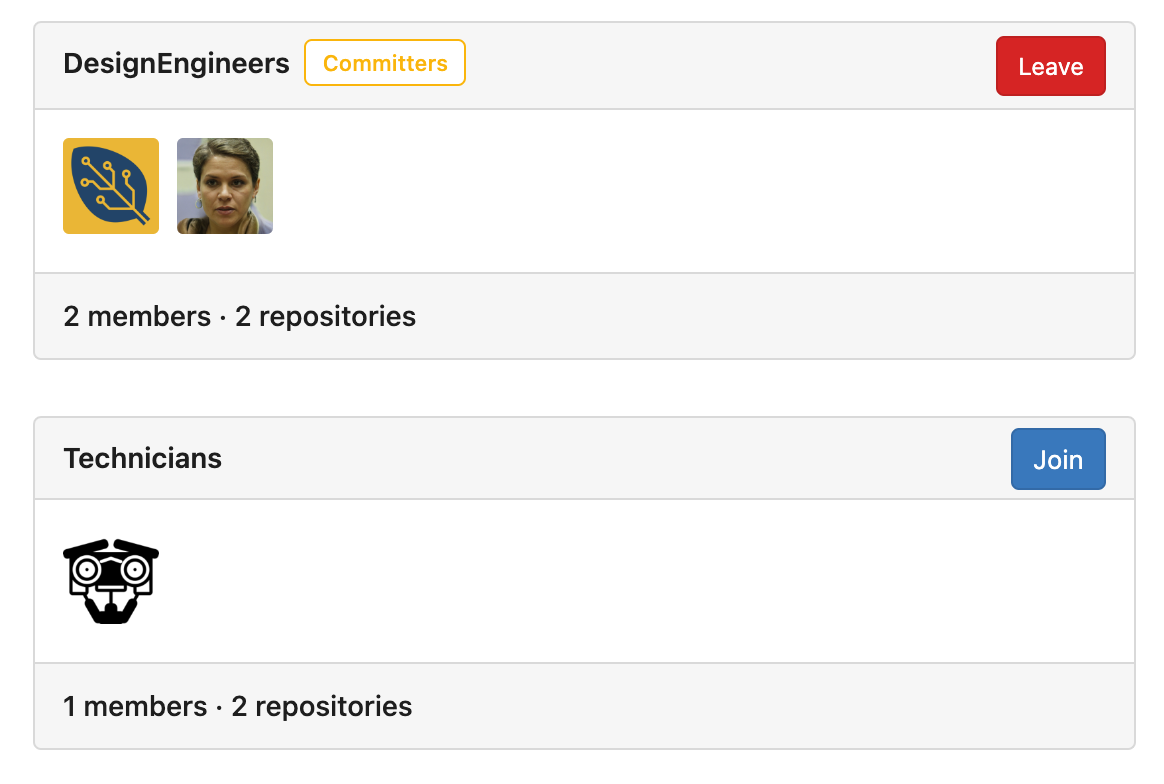
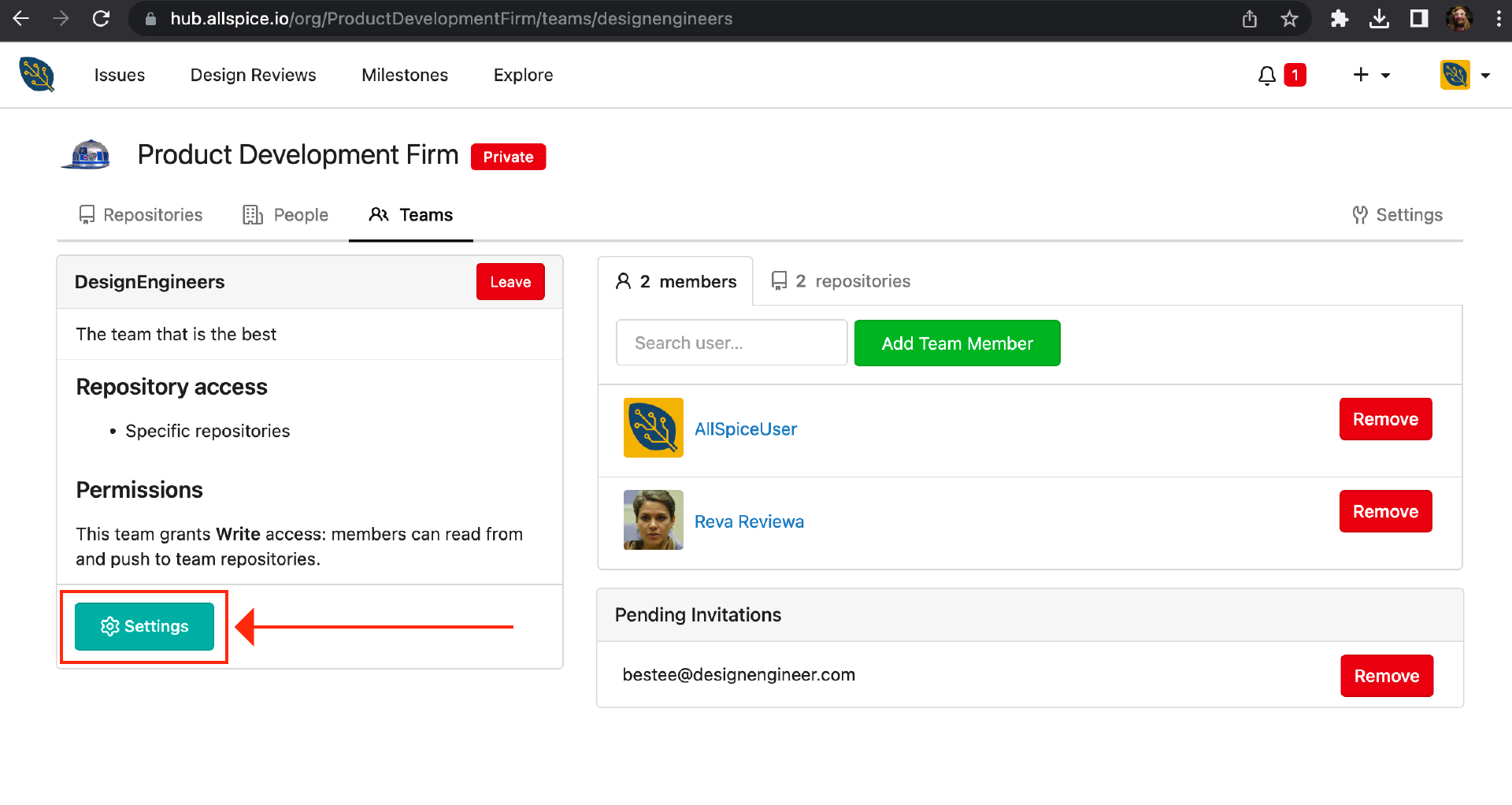
To edit the settings of an individual team, click on the team name or visit the team page
https://hub.allspice.io/org/yourOrganization/teams/yourTeamName
Click on the "Settings" button
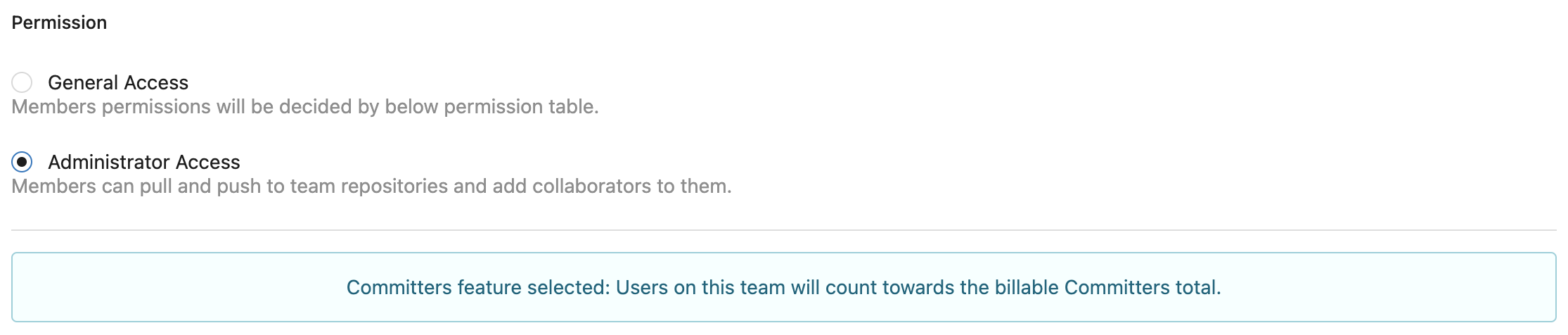
If the Permission is set to Administrator Access, the team will count towards the billable Designers total.
If the Permission is set to General Access, the only setting that affects the team status is the Files permission.
-
Paid: If the Files Permission is set to Write, then the team is counted towards the contributor limit.
- Set the team file permission to write if you want the teammembers to be able to push file commits to the server.

- Set the team file permission to write if you want the teammembers to be able to push file commits to the server.
-
Free: If the Files permission is set to Read or No Access, the team is not counted towards the contributor limit.
- Set the team file permission to read if you want to add unlimited read only collaborators to the team.

- Set the team file permission to read if you want to add unlimited read only collaborators to the team.
-
You will know if the group is counting towards the limit or not if you see this message above the Update Settings button. "Designers feature selected: Users on this team will ocunt toareds the billable Designers total".
