How to Increase Your Designer Count (Dedicated or Self-Hosted)
If you're using a Dedicated Server or Self-Hosted deployment of AllSpice and need to add more designers, this guide walks you through the process.
Increasing your designer count allows additional users to:
- Write and modify repository files
- Push and pull changes
- Count as billable designers under your agreement
Cloud (hub.allspice.io) Users
If you are using AllSpice Cloud on hub.allspice.io, you do not need to follow this process.
Instead:
- Adjust seats directly in your Organization Billing Portal
- Or invite users to Teams with File Write access
How to invite users to Teams
If you are on Dedicated or Self-Hosted, continue below.
Step 1: Determine How Many Designers You Need
Review your current team and determine:
- How many additional users require Write access to Files
- Which users will count as paid designers
Remember:
A user is only counted once toward your designer total, even if they belong to multiple Teams.
Step 2: Contact AllSpice
Email: payments@allspice.io
Include:
- The number of additional designers requested
- Your organization name
We will send you an order form for review and signature.
Step 3: Submit Required Documents
Once you receive the order form, return the following to payments@allspice.io:
- Signed order form
- Purchase Order (PO) for the amount listed
- List of usernames and email addresses to be added
Billing Note
New designers are billed at a pro-rated rate for the remainder of your 12-month term.
All designers will align to the same renewal date going forward.
Step 4: Account Provisioning
After we receive your signed order form and PO:
- We provision the additional designer capacity
- We notify you once the accounts are ready
- You can then assign users to Teams with File Write access
How to Verify Your Designer Count
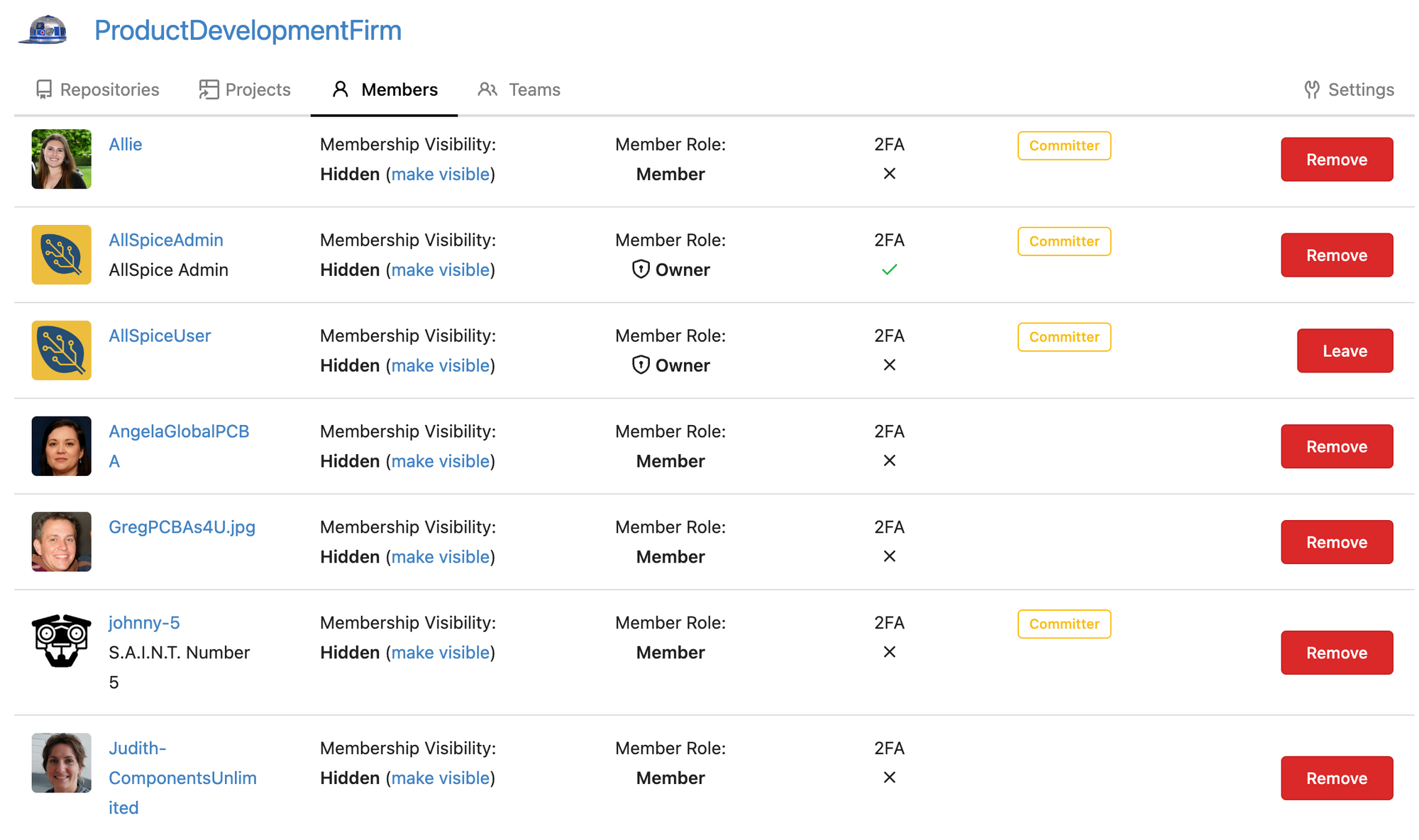
You can view your current designers in your Organization settings.
- Paid designers display the “Designer” label
- Collaborators do not count toward billing
- Each user is counted only once, regardless of how many Teams they belong to
Need Help Onboarding New Designers?
AllSpice offers onboarding sessions to help your team get productive quickly.
Schedule a session here:
https://meetings.hubspot.com/daniel-lindmark/allspice-support