You can view or edit the number of billable designer seats your organization has.
Note: you do not need to increase the number of designers to allow more collaborators. Simply add or invite the collaborators to a collaborator team.
To see your designer count:
-
Visit your organization page
https://hub.allspice.io/[your organization] -
Click on the settings tab on the far right of the page.
-
Click on the billing tab
-
Your current number of seats is shown. You cannot decrease this number below the number of counted designers without removing them from your teams. You can increase the number of designers to add people to your team.
-
click the Update Designers button to update your designers.

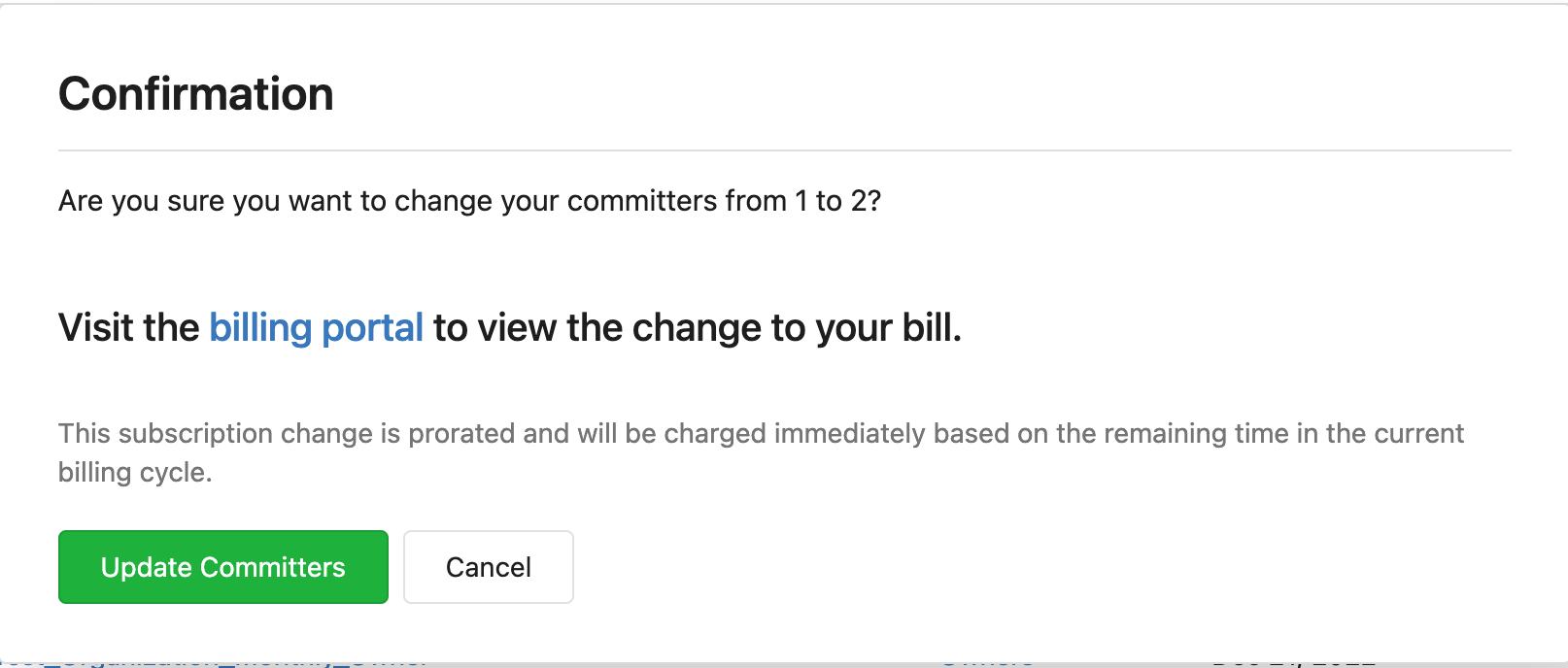
5b) You should see a confirmation menu asking you if you want to change your designers.